
Listen before showing a preview
Ask which feature the patient notices in profile and which features they want to preserve. Use the original photograph as the starting point.
FaceDecode for Plastic surgery
A patient may like their profile and still have questions about the frontal view. Rotate the facial reconstruction together to identify what they want to preserve and what they hope to change.
Watch the workflow ↓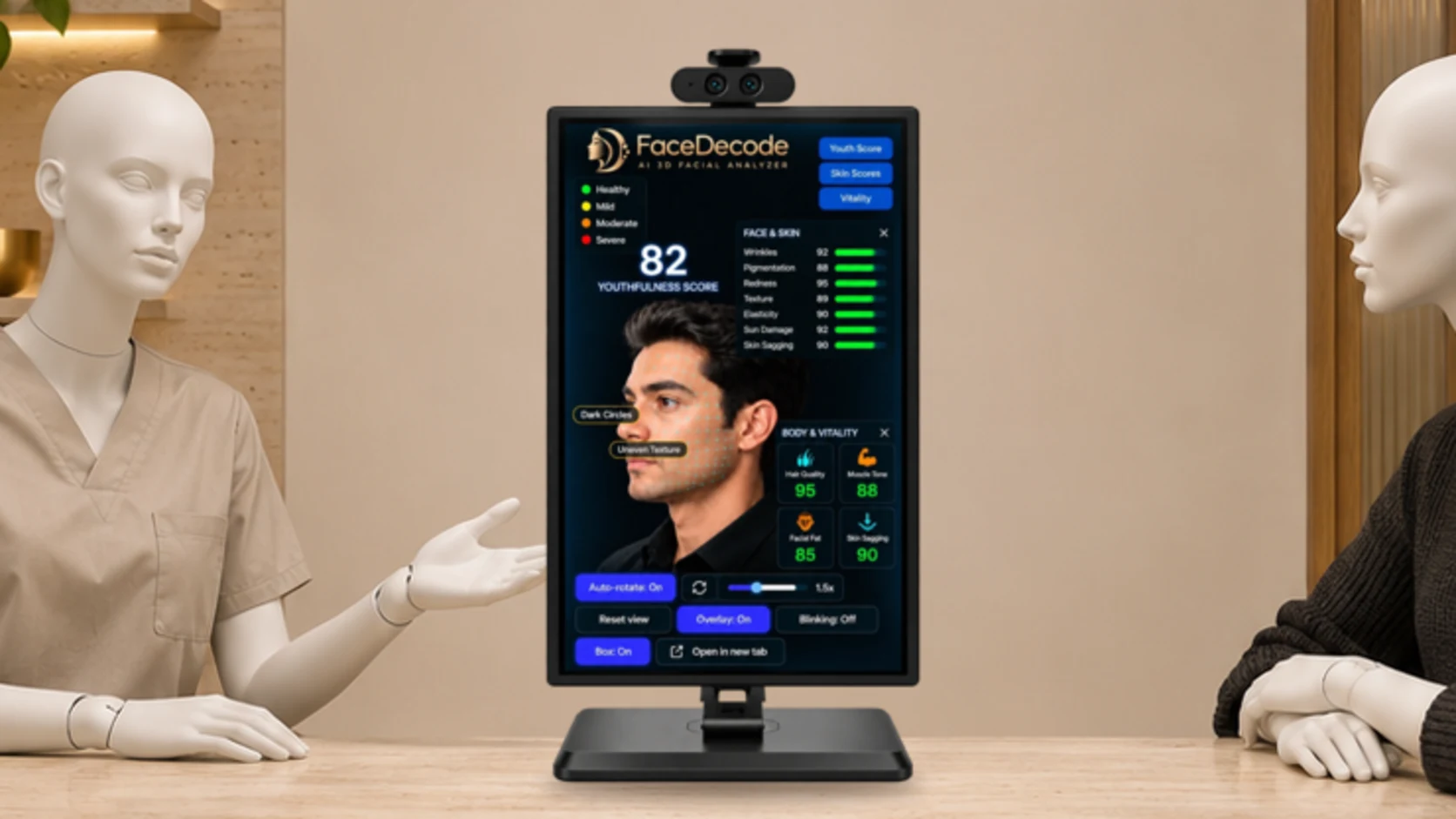
Ask which feature the patient notices in profile and which features they want to preserve. Use the original photograph as the starting point.
Move between frontal, oblique and profile views on screen. Invite the patient to point to the contour they mean so the surgeon and patient are discussing the same feature.
Compare the source photograph with an illustrative appearance preview. The surgeon explains feasibility, individual anatomy and healing before settling on a plan.
Choose rhinoplasty, eyelid surgery or a facial rejuvenation consultation. We’ll show the corresponding educational workflow and how to explain the preview to a patient.